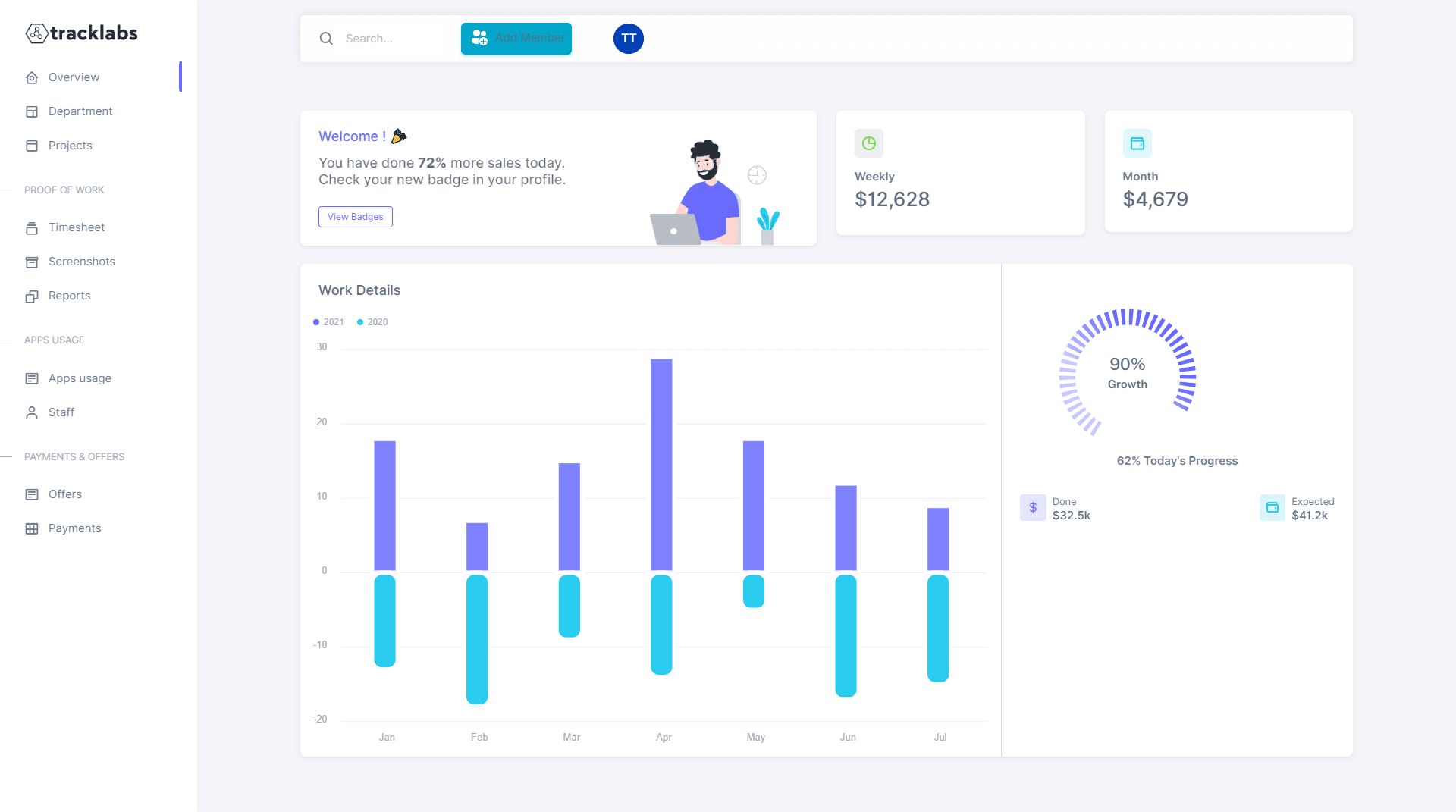
Every manager wants accurate timesheets. Nobody wants to be the boss who watches every click. Done correctly, automated timesheets reduce surveillance pressure, save hours of admin work, and give your team credit for work they are already doing.
This guide walks through a complete framework for automating timesheet creation, review, and payroll export using TrackLabs timesheet software—without destroying the trust your team depends on.
Ready to automate your timesheets?
TrackLabs captures time automatically and generates approval-ready timesheets.
The Micromanagement Trap Manual Timesheets Create
Manual timesheets feel harmless. Ask employees to log hours at the end of each day or week, compile them into a spreadsheet, and send to payroll. Simple, right?
In practice, manual tracking creates a predictable cycle of distrust. Employees reconstruct their day from memory at 5 PM Friday—rounding up here, guessing there, forgetting the 45-minute client call sandwiched between meetings. Managers receive data they know is inaccurate. So they compensate: more check-ins, screenshot requests, status updates, and quick syncs that feel like surveillance.
The irony is sharp. Manual timesheets were supposed to create accountability. Instead, they create anxiety, inaccurate data, and the exact micromanagement culture everyone wanted to avoid. Research consistently shows that reconstructed timesheets underreport actual work by 10–20% while simultaneously making employees feel over-scrutinized.
Why managers over-correct
When payroll depends on self-reported hours and billing clients depends on billable time, bad data has real financial consequences. A consulting firm losing 30 minutes of billable time per employee per day on a 20-person team forfeits roughly 200 billable hours per month.
Managers react logically: increase oversight. But oversight applied to bad data is still bad data with extra stress attached. The fix is not more watching—it is better capture at the source. That is where automatic time tracking changes the equation entirely.
Automation vs. Surveillance: Understanding the Difference
Before configuring any software, your team needs to understand what you are implementing and why. Automation captures data passively so humans do not have to remember and reconstruct. Surveillance watches actively to catch people doing something wrong. The technology can be identical; the intent and configuration are not.
✅ Automation mindset
- Capture time as work happens
- Employees review and confirm their own entries
- Managers approve batches, not minutes
- Data supports planning and billing
- Monitoring matches the role, not a blanket policy
❌ Surveillance mindset
- Live screen viewing without cause
- Daily screenshot reviews for every employee
- Activity scores used as performance grades
- No employee access to their own data
- Tracking introduced without explanation
Teams accept automation when it saves them time. They resist surveillance when it feels punitive. The same employee monitoring software can feel like either depending on how you configure and communicate it.
The 5-Step Automation Framework
Use this framework to move from manual timesheets to automated workflows over 2–4 weeks. Each step builds trust while improving data quality.
Auto-Capture, Manual Review
Enable background tracking through the TrackLabs desktop app. The software records active time, project assignments, and idle periods. Employees spend 2–3 minutes daily reviewing entries—not 20 minutes reconstructing from memory.
They confirm accuracy, edit project codes, add notes for offline work, and flag anything missed. The heavy lifting is automated; human judgment stays where it belongs.
Set Monitoring Levels by Role
Not every role needs the same visibility. Developers may need project-level tracking only. Consultants billing hourly may need app-level detail and periodic screenshots. Support agents may need attendance and ticket time but not screen captures.
Automate Approval Workflows
Route timesheets at period end—not continuously. Flag exceptions: overtime, missing project codes, gaps over 30 minutes. Managers review flagged items first, then batch-approve the rest.
Export Directly to Payroll
Approved data flows to payroll tracking without re-entry. TrackLabs exports to CSV, Excel, and integrates with payroll platforms.
Use Data for Planning, Not Policing
Share aggregate team data in standups. When workforce analytics help people work smarter—not catch them slacking—trust goes up and resistance goes down.
See automated timesheets in action
Book a 15-minute demo—we will walk through approval workflows for your team size.
Role-Based Monitoring Settings That Work
Practical starting configurations most teams adapt within their first week:
Individual contributors
- Auto tracking on; app tracking at project level
- Screenshots off or 1/hour on client work
- Manual entries allowed; full dashboard access
Client-facing billable roles
- App/URL tracking with client tagging
- Screenshots 1–3/hour for billing docs
- Idle pause after 5–10 min; billable codes required
Managers and team leads
- Lighter monitoring; screenshots off
- Project allocation and meeting time focus
- Team reports access—no live screen viewing
Approval Workflows That Scale
As your team grows, timesheet approval can become a full-time job—unless you design the workflow correctly from the start.
Weekly batch approval
Timesheets due Friday 5 PM, manager approval by Monday noon. Employees know the rhythm. Managers block 30 minutes Monday morning—not scattered reviews all week.
Exception-first review
Surface only items needing attention: overtime above threshold, unassigned project time, manual entries over 2 hours, or post-submission edits. Bulk-approve the rest.
Two-tier approval for larger teams
Team leads approve first; department heads approve monthly summaries. This distributes load and catches project-level issues before payroll.
Connecting Timesheets to Payroll Without Errors
The gap between approved timesheets and accurate paychecks is where most organizations lose money—not to fraud, but to friction. Hours get re-typed. Rounding differences appear. Overtime calculations drift.
Automating export eliminates this. Approved hours in TrackLabs become the single source of truth. Map fields once—employee ID, regular hours, overtime, PTO, project codes—and every pay period flows the same way.
For agencies, the same data generates invoices. Billable hours, project breakdowns, and activity summaries export alongside payroll. One capture event; multiple outputs.
Settings That Build Trust
Technical configuration communicates values as loudly as any policy document:
- Blur sensitive screenshots for roles handling private data
- Allow manual time entries for meetings, site visits, and calls
- Delete screenshots after 30–90 days
- Give employees full access to their own data
- Disable live screen viewing unless compliance requires it
- Notify when tracking starts and stops
Read our guides on ethical monitoring strategies and screenshot best practices.
What to Tell Your Team
How you announce automation determines whether the rollout succeeds. Be specific about what changes, what stays the same, and what problem you are solving.
For deeper rollout guidance, see how to approach employees about time tracking and how to roll out time tracking to your team.
Common Mistakes to Avoid
Everything on day one
Max screenshots and alerts from the start guarantees backlash. Start light.
No pilot period
Roll out to 3–5 volunteers first. Fix friction before company-wide launch.
Activity scores in reviews
Time data informs capacity planning—not promotions or terminations alone.
Blocking offline work
Client visits and whiteboard sessions need manual entry options.
Frequently Asked Questions
Conclusion: Automation Without Anxiety
Automated timesheets reduce micromanagement when you automate capture, limit monitoring to what each role requires, and use data to support your team—not scrutinize them.
Start with the five-step framework, configure trust-building settings, communicate clearly, and measure success by time saved—not hours watched. Your team will notice the difference within the first pay cycle.
Automate Your Timesheets Today
TrackLabs generates accurate, approval-ready timesheets automatically.
No credit card required · Setup in minutes · Cancel anytime