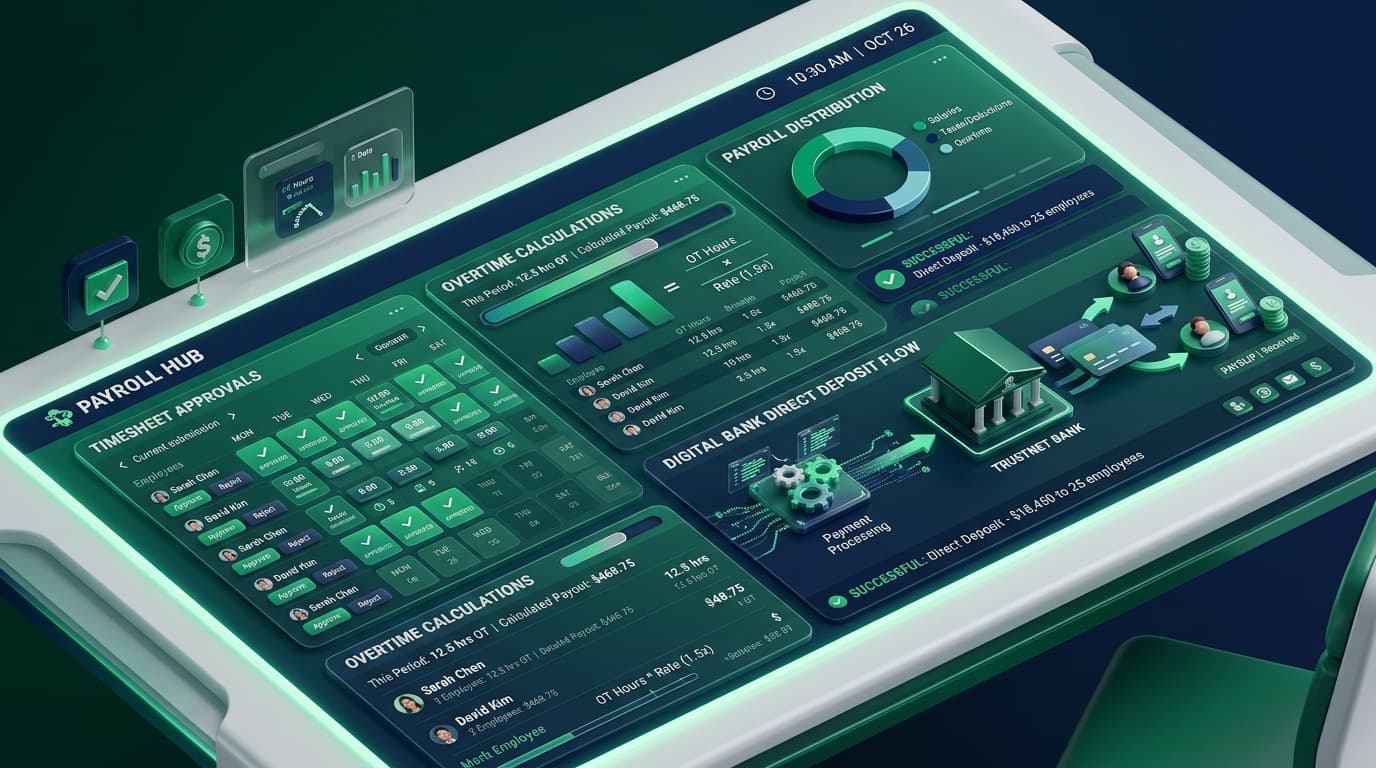
The High Cost of Manual Spreadsheet Payroll
According to the American Payroll Association, manual payroll processing suffers from an average error rate between 1% and 8%. When formulas break or hours are mistyped, the costs quickly escalate: wage compliance fines, overpaid wages, and frustrated employees waiting for corrections.
By adopting employee payroll and timesheet software, companies eliminate manual transcription errors and cut administrative processing time by over 80%.
saved per week by HR and finance teams after automating timesheet workflows.
payroll calculation accuracy achieved by eliminating manual data entry.
faster payroll turnaround from period close to direct deposit disbursement.
The Anatomy of an Automated Timesheet Workflow
Modern timesheet automation bridges the gap between daily work execution and final bank payouts:
1. Real-Time Activity Capture
Hours are recorded automatically via desktop, mobile, or web timers, tagged directly to clients and internal tasks.
2. Automated Rule Validation
The system validates hours against shift caps, statutory overtime rules, and leave balances before submission.
3. Tiered Approval Routing
Timesheets route automatically to team leads and project managers for one-click verification and sign-off.
4. Direct Payout Synchronization
Approved hours flow seamlessly into accounting and payroll software without any manual copy-pasting.
1. Eliminating Time Theft & Buddy Punching
Manual paper timecards and shared punch clocks are notoriously vulnerable to “buddy punching” and inflated time claims.
Using employee time clock software, TrackLabs provides tamper-proof verification:
- IP & Geofence Verification: Confirm clock-ins originate from authorized office locations or verified remote networks.
- Active Input Telemetry: Differentiate between real creative engagement and unattended idle computers.
- Lockdown Shift Controls: Prevent clock-ins outside scheduled shift windows without manager approval.
2. Multi-Tier Overtime & Complex Rate Rules
Calculating overtime across multiple jurisdictions (e.g., standard weekly 40-hour overtime, daily 8-hour overtime in California, and holiday premium rates) creates immense spreadsheet complexity.
TrackLabs automates these calculations natively using our integrated employee overtime engine:
Regular Pay = 40 hrs × $30/hr = $1,2001.5x Overtime = 6 hrs × $45/hr = $2702.0x Double Time = 2 hrs × $60/hr = $120Total Gross Payroll = $1,590 (Calculated Instantly)
3. One-Click Integrations into Accounting Platforms
Never type another hours summary into an accounting portal manually. TrackLabs connects directly to:
Global Payroll Rails
Export structured batch files for Deel, Wise, Gusto, and ADP for instant multi-currency payouts.
Accounting Suites
Sync billed client hours and billable costs directly with QuickBooks, Xero, and FreshBooks.
4. The 4-Step Migration: Excel to TrackLabs
Import Employee Roster & Hourly Rates
Upload your team roster via CSV or sync directly via Google Workspace or Microsoft Azure AD.
Configure Overtime & Approver Hierarchies
Assign project leads as designated approvers for their squads and establish company overtime thresholds.
Run Parallel Payroll for One Pay Cycle
Run TrackLabs alongside your legacy spreadsheet to confirm 100% data consistency.
Retire the Spreadsheets Forever
Enjoy zero-friction, one-click payroll submissions every single pay period.
Automate Your Entire Timesheet & Payroll Workflow
Eliminate payroll errors, prevent time theft, and cut 15+ hours of administrative overhead. Start your free 2-day TrackLabs trial today.

Specializes in distributed workforce telemetry, privacy-first employee monitoring, and labor compliance systems at TrackLabs.
Frequently Asked Questions
Ready to boost your team productivity?
Start your free 2-day trial with TrackLabs. No credit card required.
No credit card required · Setup in minutes · Cancel anytime