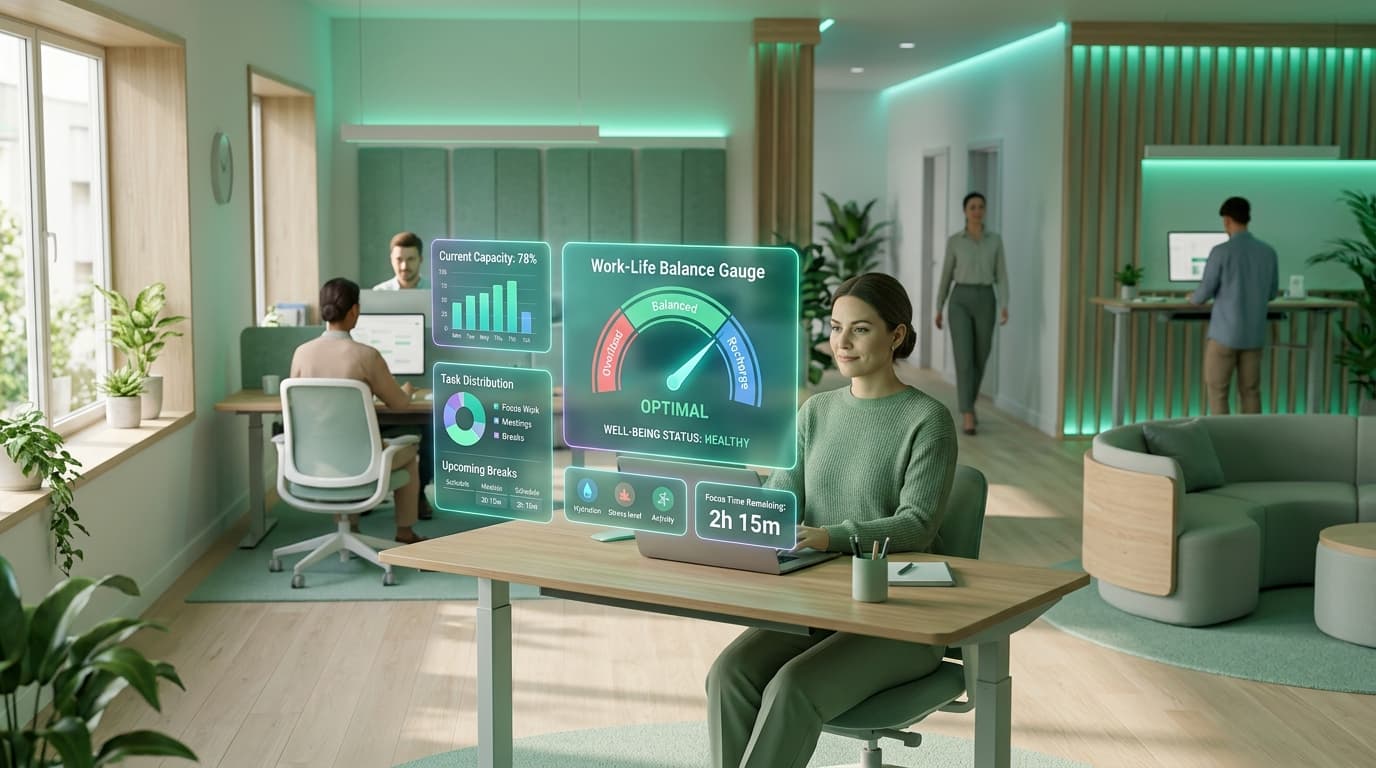
The Hidden Crisis of Digital Exhaustion
According to recent workplace studies, over 67% of remote knowledge workers report experiencing chronic burnout symptoms at least once a year. The danger in remote teams is that overwork remains invisible until a key contributor abruptly resigns.
By leveraging automated burnout prevention tools, forward-thinking organizations replace guesswork with proactive wellness metrics, ensuring team members perform at their peak without sacrificing mental health.
of remote workers report experiencing burnout due to blurred work-life boundaries.
higher likelihood of employee turnover when weekly working hours exceed 50 hours.
optimal target capacity allocation to maintain peak creative problem-solving.
Early Warning Signals of Remote Burnout
Burnout leaves clear patterns in workforce telemetry. Managers should watch for these four critical indicators:
1. Persistent Creep into Late-Night & Weekend Hours
When an employee regularly logs sessions at 11:00 PM or across Saturdays and Sundays, it indicates that workload expectations have exceeded normal capacity.
2. Plunging Focus Efficiency Scores
A sudden decline in deep work ratios accompanied by frantic multi-tasking across 20+ tabs often signals cognitive overwhelm and decision fatigue.
3. Zero Break Logging
Continuous 6-to-8 hour unbroken desk sessions without coffee or lunch breaks lead to acute mental exhaustion and diminished code or design quality.
4. Imbalanced Task Hoarding
Senior employees absorbing 70% of team tickets while junior members remain underutilized creates single-point-of-failure bottlenecks.
1. The 80/20 Capacity Allocation Framework
Treating human beings like factory machines scheduled for 100% capacity is a guaranteed recipe for failure. Any minor production hiccup instantly throws the entire sprint behind schedule.
Schedule every knowledge worker for a maximum of 32 hours of focused project deliverables in a 40-hour workweek. Reserve the remaining 8 hours for code reviews, cross-team communications, training, and operational buffer.
2. Using Telemetry to Spot Overwork Early
TrackLabs equips leadership with automated safety triggers to catch fatigue before it escalates:
- Overtime Threshold Alerts: Managers receive instant notifications when an individual logs more than 45 hours in a single week.
- Workload Distribution Heatmaps: Visual dashboards highlight which team members are overloaded versus who has available capacity for incoming projects.
- Unusual Activity Tracking: Spot sudden shifts in login times or erratic weekend tracking via unusual activity detection.
❌ Toxic Hustle Culture
- Glorifies 60+ hour workweeks as a badge of honor
- Ignores late-night Slack pings and weekend emails
- Suffers from frequent high-performer turnover
- Delivers buggy, rushed product releases
✅ High-Trust Sustainable Culture
- Enforces strict 40-hour weekly capacity limits
- Encourages asynchronous disconnect after work hours
- Retains institutional knowledge and veteran talent
- Delivers consistent, resilient, high-quality output
3. Integrating PTO & Structured Rest Tracking
Rest is not the absence of productivity—it is an indispensable prerequisite for sustained creative output.
Using TrackLabs integrated PTO and vacation tracking software:
- Employees request and log time-off directly inside their daily productivity dashboard.
- Project leads see team availability overlaid onto sprint roadmaps, preventing unachievable sprint commitments during holiday seasons.
- Automated reminders prompt team members who have not taken time off in over 90 days to schedule restorative rest.
4. The Sustainable Leadership Checklist
Audit Weekly Hours Every Monday Morning
Review the team dashboard to identify anyone who exceeded 45 hours last week and adjust this week’s commitments accordingly.
Encourage Micro-Breaks Throughout the Day
Configure TrackLabs desktop notifications to remind team members to take a 5-minute stretch and water break every 90 minutes.
Lead by Example on After-Hours Disconnect
Managers should avoid sending non-urgent messages outside standard business hours to eliminate psychological response pressure.
Build a High-Performing, Healthy Remote Team
Protect your team from overwork while gaining complete visibility over sprint capacity. Start your free 2-day TrackLabs trial today.

Specializes in distributed workforce telemetry, privacy-first employee monitoring, and labor compliance systems at TrackLabs.
Frequently Asked Questions
Ready to boost your team productivity?
Start your free 2-day trial with TrackLabs. No credit card required.
No credit card required · Setup in minutes · Cancel anytime