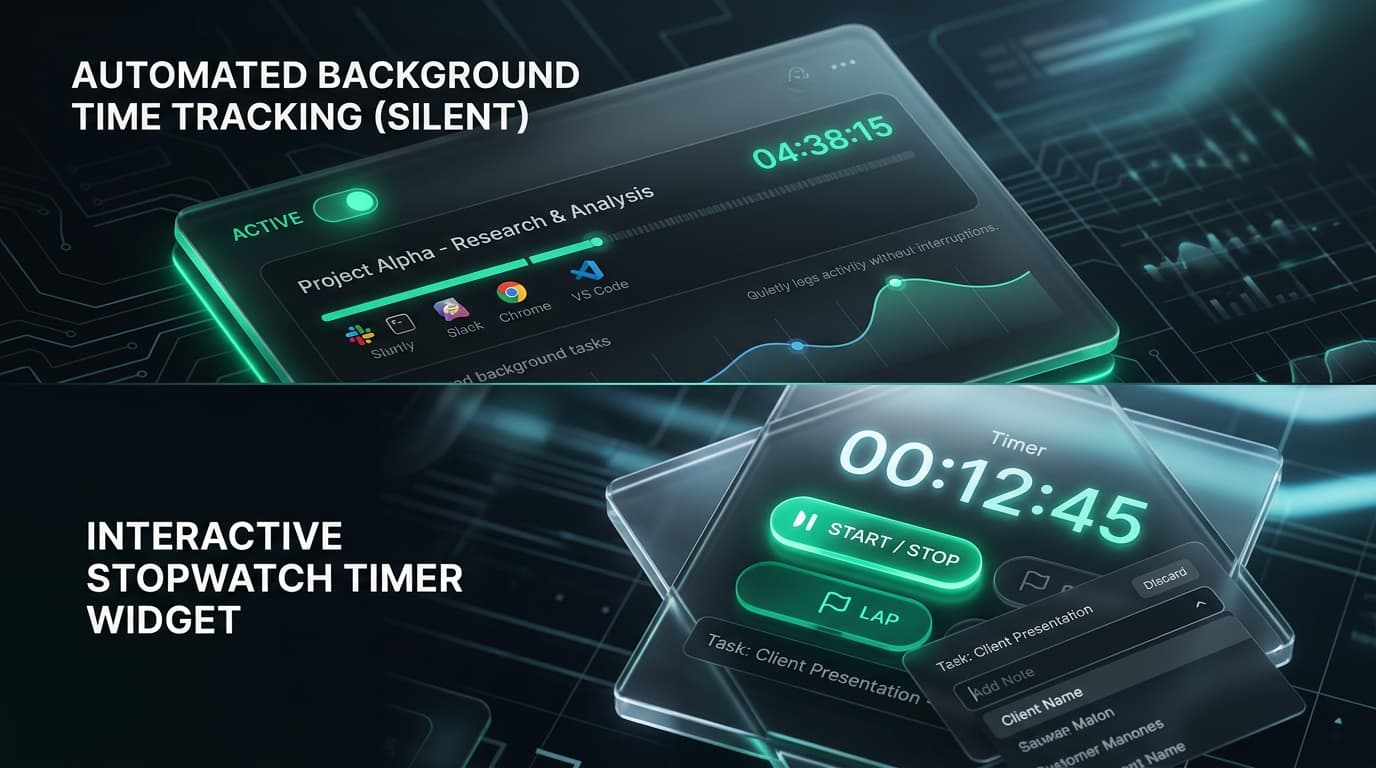
The Two Tracking Philosophies
Time tracking has evolved into two distinct operational paradigms. The traditional interactive model treats time logging as an intentional task performed by the employee, whereas modern silent tracking approaches time measurement as continuous background telemetry.
Understanding which philosophy aligns with your team is critical for ensuring high data accuracy while maintaining trust.
data capture completeness achieved with silent background tracking.
saved per employee each week by eliminating manual start/stop interactions.
flexibility offered by TrackLabs dual-mode architecture for hybrid teams.
1. What is Silent Background Tracking?
Silent time tracking software launches automatically when an employee logs into their workstation. It operates quietly in the system tray or as a background daemon, recording active applications, URLs, and focus durations without requiring any clicks.
Key Characteristics of Silent Tracking:
- Zero User Friction: Employees never have to remember to start, pause, or stop a timer.
- Complete Activity Integrity: Eliminates human memory errors, forgotten breaks, or retroactive guesswork.
- Ideal for Shift-Based & Support Roles: Perfect for contact centers, BPO teams, IT helpdesks, and security operations where 100% coverage is mandatory.
2. What is Interactive Stopwatch Tracking?
In contrast, interactive time entry software places full control in the employee’s hands. Workers select a project from a dropdown menu, type in their active deliverable, and click “Start Timer.” When switching tasks or stepping away, they click “Stop.”
Key Characteristics of Interactive Tracking:
- Intentional Task Mapping: Encourages mindfulness by prompting workers to define their focus before starting a block.
- Maximum Employee Agency: Team members decide exactly when work hours begin and end.
- Ideal for Creative & Consulting Agencies: Perfect for design studios, law firms, and consulting practices where time is billed to granular client codes.
3. Head-to-Head Comparison
Silent Background Tracking
- Setup: Centralized IT rollout via MSI/PKG installer
- Data Completeness: Near 100% accurate system telemetry
- User Effort: 0 minutes per day
- Focus Impact: Zero context interruptions
- Best Fit: Support, BPO, IT Ops, Security Teams
Interactive Timer Tracking
- Setup: Lightweight desktop, web, or mobile app
- Data Completeness: Dependent on user memory
- User Effort: 5-10 minutes per day
- Focus Impact: Promotes intentional timeboxing
- Best Fit: Agencies, Freelancers, Software Engineers
4. Legal, Privacy & Compliance Factors (GDPR/HIPAA)
Compliance requirements vary significantly across jurisdictions:
- GDPR (European Union): Mandates explicit employee notification, legitimate interest justification, and strict data proportionality. Silent tracking must not capture private personal communications.
- HIPAA (Healthcare): Requires robust data encryption and screenshot blurring when employees handle Protected Health Information (PHI).
- US State Laws (e.g., California, New York, Delaware): Require written notice of electronic monitoring upon hire and periodic monitoring acknowledgments.
5. The TrackLabs Hybrid Advantage
Why choose between extremes? TrackLabs customizable time tracking empowers enterprises to run a hybrid deployment:
Engineering & Product Teams
Utilize interactive timers with Git integration to log user stories and sprint milestones intentionally.
Customer Success & Support
Operate in silent background mode to log ticket handling time and queue response metrics automatically.
Contractors & Offshore Vendors
Use interactive timers coupled with automated proof-of-work screenshots for transparent client billing.
6. Choosing the Right Model for Your Team
Assess Regulatory & Geographical Constraints
Determine whether your team operates in jurisdictions with strict Works Council or privacy mandates.
Evaluate Task Switching Frequencies
Teams switching tasks every 5 minutes benefit from silent tracking; those working in 2-hour blocks thrive with interactive timers.
Pilot Both Modes with a 14-Day Cohort
Test interactive tracking with creative teams and silent tracking with operations to gather feedback on usability and accuracy.
Deploy the Perfect Time Tracking Setup Today
Whether you need silent background monitoring, interactive timers, or a hybrid combination, TrackLabs delivers complete flexibility. Start your free 2-day trial.

Specializes in distributed workforce telemetry, privacy-first employee monitoring, and labor compliance systems at TrackLabs.
Frequently Asked Questions
Ready to boost your team productivity?
Start your free 2-day trial with TrackLabs. No credit card required.
No credit card required · Setup in minutes · Cancel anytime