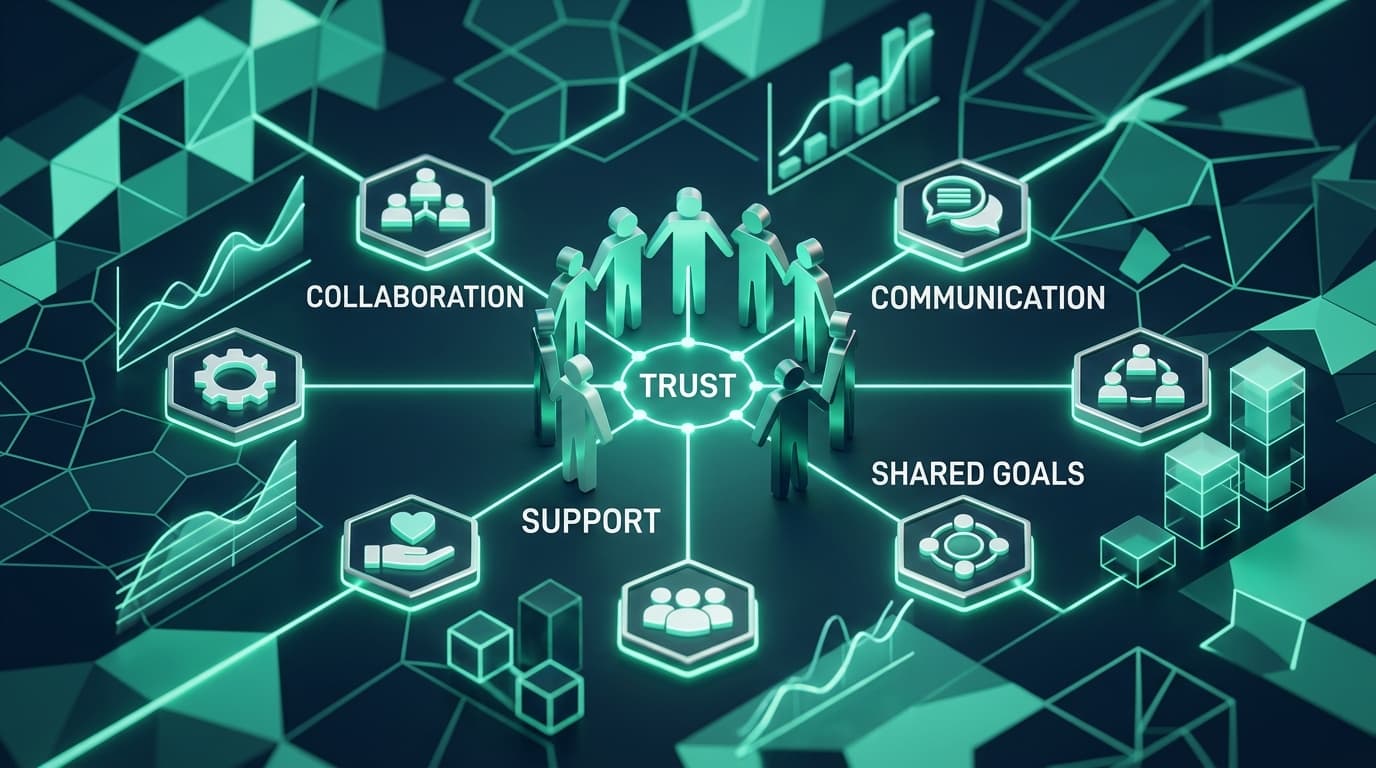
The Trust Paradox in Remote Work
In modern distributed work, visibility is essential. Without shared data, managers resort to frequent Slack interruptions, unexpected check-in calls, and subjective guesswork. Paradoxically, attempting to manage without structured metrics often creates more micromanagement, not less.
By leveraging modern employee monitoring software rooted in transparency and objective output, companies can replace intrusive oversight with mutual accountability.
of employees experience less anxiety when performance metrics are objective and transparent.
saved weekly per team lead by replacing manual status updates with automated activity insights.
faster project payroll processing when timesheets are automated directly from tracked work.
1. Shift from Input Hours to Output Clarity
Traditional micromanagement obsesses over mouse movements and arbitrary clock hours. High-trust leadership measures deliverables, velocity, and focus quality.
When you use AI-powered time tracking, you look at systemic patterns rather than punitive minute-counting:
- Identify Process Bottlenecks: If a senior engineer spends 16 hours a week in administrative alignment meetings, the issue is meeting bloat—not individual output.
- Celebrate Deep Focus: Recognize team members who accomplish complex deliverables in fewer, high-focus hours rather than penalizing them for working efficiently.
- Prevent Overwork: Tracked hours highlight chronic overtime before it turns into burnout and voluntary attrition.
❌ Micromanagement Mindset
- Counting keystrokes and penalizing short idle moments
- Monitoring without employee consent or visibility
- Assuming idle time indicates low dedication
- Using data exclusively to reprimand employees
✅ High-Trust Culture Mindset
- Tracking project milestones and focus trends
- Giving employees full access to their own analytics
- Recognizing that deep thinking often looks like idle time
- Using data to optimize workloads and justify headcount
2. Implement Privacy-First Protocols
Trust is built through explicit boundaries. When introducing time tracking, prioritize privacy-preserving features:
🔒 Blurred Screenshots
Configure screen captures to blur sensitive personal details, client credentials, and personal chats while still confirming active work on designated projects.
⏱ Self-Directed Timers
Allow team members to start and pause their own timers, ensuring off-hours and personal lunch breaks are never recorded.
📊 Aggregated Productivity Scoring
Categorize tools into productive vs. unproductive work buckets at the team level, eliminating subjective manual scrutiny of every opened URL.
3. Give Employees Full Access to Data
Surveillance is unidirectional; empowerment is collaborative. When employees have direct access to their personal workforce analytics and reporting dashboards, three transformative changes occur:
- Self-Correction: Team members spot their own productivity leaks (e.g., losing 2 hours each morning to social media or unorganized email) and adjust autonomously.
- Workload Proof: When asking for project deadline extensions or additional support, employees have indisputable data showing their committed bandwidth.
- Frictionless Invoicing: Freelancers and contractors can generate verified timesheets with one click, speeding up client approvals and payroll.
4. The 3-W Rollout Framework
The success of any time tracking deployment depends on communication. When rolling out TrackLabs across your organization, use the 3-W Framework:
Why Are We Doing This?
Clarify that the goal is accurate project estimation, equitable workload distribution, and streamlined client billing—never punitive spying.
What Is Being Tracked?
Provide a transparent list of tracked attributes: active project names, software categories, total duration, and periodic blurred screenshots during active timers.
What Will NEVER Be Tracked?
Explicitly guarantee that keystrokes, personal passwords, camera feeds, microphones, and inactive non-work hours are strictly prohibited from data collection.
Overcoming Common Employee Objections
Here is how modern leadership addresses common concerns when introducing time tracking tools:
“Doesn’t this mean you don’t trust us?”
Response: “We trust your work completely. We are tracking time to protect your capacity, accurately bill our clients, and ensure nobody is quietly taking on 60-hour weeks without recognition.”
“I do my best creative thinking away from the keyboard.”
Response: “TrackLabs allows for manual time entry and offline work logging with customizable notes, ensuring strategic planning and brainstorming are accounted for.”
Key Takeaways & Best Practices
- Focus on outcomes and deliverables rather than counting seconds.
- Turn on privacy features like blurred screenshots and employee-controlled timers.
- Use time data to advocate for your team, justify additional hiring, and eliminate useless recurring meetings.
- Choose an intuitive solution like TrackLabs Time Tracking that reduces administrative burden for everyone involved.
Build a High-Trust, Productive Team with TrackLabs
Experience ethical time tracking with privacy controls, automated timesheets, and actionable workforce analytics. Start your free 2-day trial today.
Frequently Asked Questions
Ready to boost your team productivity?
Start your free 2-day trial with TrackLabs. No credit card required.
No credit card required · Setup in minutes · Cancel anytime