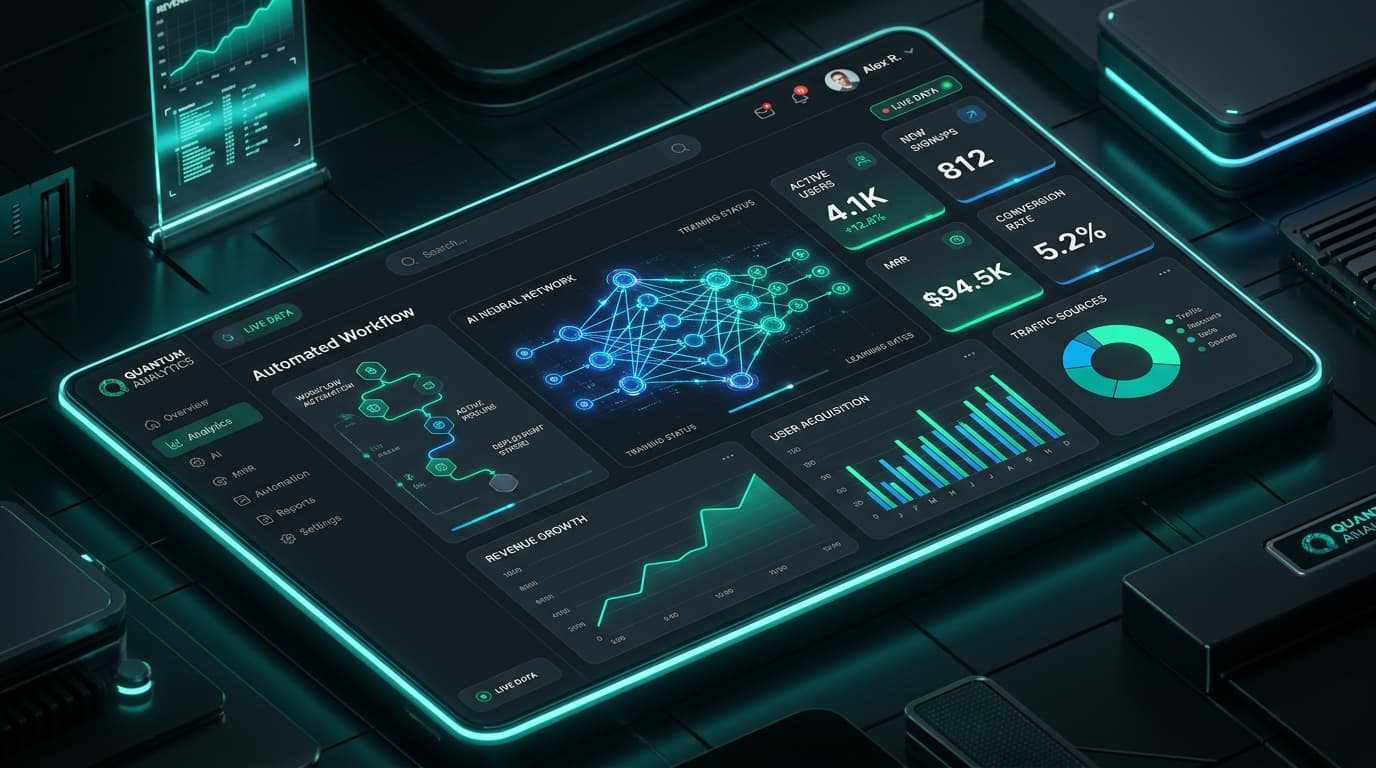
The AI Shift in Everyday Workflows
For over two decades, workplace productivity tracking was synonymous with friction: manually clicking stopwatches, logging into cumbersome portal screens, and guessing how many minutes were spent replying to client emails. The result? Inaccurate data, Friday timesheet dread, and rampant under-billing.
Today, AI-powered time tracking transforms raw system telemetry into organized, project-mapped insights with near-zero human input. By pairing background pattern detection with machine learning classifiers, modern teams achieve perfect data fidelity without sacrificing psychological safety.
reduction in administrative timesheet errors when automated by AI classification.
weekly focus time recovered per knowledge worker through workflow automation.
average improvement in agency billable margin realized in the first 60 days.
4 Critical AI Capabilities Transforming Work
Workplace automation is not about replacing workers—it is about removing the repetitive administrative ballast that clogs daily schedules:
1. Autonomous Activity Classification
Machine learning models recognize context across development environments, design suites, and spreadsheets, automatically assigning focus time to relevant project codes.
2. Anomaly & Inefficiency Detection
Smart algorithms identify unusual bottlenecks, like runaway meeting overhead or broken software integrations, before they derail quarterly roadmaps.
3. Predictive Capacity Forecasting
By analyzing historical task completion velocities, AI models forecast realistic milestone deadlines and warn managers before burnout thresholds are crossed.
4. Zero-Touch Client Billing
Billable hours, approved milestones, and verified proof-of-work are compiled into itemized invoices automatically, accelerating cash collection cycles.
1. Automated Activity Classification vs. Manual Tagging
When employees are forced to manually enter hours at the end of the week, human memory fails. Studies show that retroactive timesheets suffer from a 25% to 40% inaccuracy rate.
With productivity monitoring software, TrackLabs passively categorizes active applications and browser tabs into productivity buckets:
❌ Legacy Manual Time Tracking
- Workers forget to switch timers when changing tasks
- Estimated hours typed in hastily on Friday evening
- Administrative overhead consumes 30-45 mins per person weekly
- Zero insight into context switching or distraction spikes
✅ AI-Driven Background Tracking
- Zero-click background detection logs window and app context
- Precision data mapped to specific client projects and milestones
- Automated idle-time exclusion when stepping away from the desk
- Actionable dashboards highlight deep work vs. collaborative load
2. Predictive Capacity & Burnout Prevention
Workplace exhaustion rarely happens overnight—it builds quietly over weeks of unmanageable workloads, after-hours email triage, and lack of true recovery.
TrackLabs integrates proactive burnout prevention analytics that monitor:
- Sustained Overtime Spikes: Automated alerts when an engineer or designer logs more than 48 hours over consecutive weeks.
- Fragmented Focus Scores: Identifying when a team member is scheduled for more than 4 hours of meetings daily, leaving zero room for deep execution.
- Erratic Shift Patterns: Detecting late-night logins that indicate unsustainable workload imbalances.
3. AI-Assisted Timesheet & Anomaly Audits
Managers often spend hours reviewing hundreds of timesheet entries every billing cycle. AI automation streamlines this with intelligent validation rules:
Continuous Rule Validation
AI scans logged hours against contract caps, shift limits, and client project budgets in real time.
Anomaly Flagging
Entries with overlapping timers, sudden offline time surges, or untracked weekend hours are flagged for one-click manager review.
One-Click Batch Approval
Standard, verified timesheets matching all project criteria are approved automatically, leaving managers free to focus on strategic coaching.
Measuring the Hard ROI of Workplace Automation
Implementing AI productivity tools yields immediate financial and operational dividends:
Annual ROI Breakdown for a 50-Person Company:
- ⏱ Saved Admin & Timesheet Logging: 2,400 hours/yr ($120,000 equivalent value)
- 📈 Recovered Unbilled Client Hours: ~$85,000 in previously leaked billables
- 📉 Turnover Reduction via Burnout Prevention: Saved $70,000+ in replacement recruiting costs
- 💰 Estimated Total Value Created: $275,000+ Net Annual Benefit
How to Implement AI Productivity Safely
To foster high adoption and team trust, roll out AI workplace tools with complete transparency:
- Define the Purpose Upfront: Clarify that AI analytics are deployed to optimize project estimates and protect focus time, not for punitive scrutiny.
- Empower Employee Self-Audit: Give team members access to their own daily productivity dashboards so they can self-optimize their habits.
- Review Aggregate Trends, Not Micro-Actions: Focus leadership discussions on team-wide capacity, tool bottlenecks, and meeting efficiency.
Supercharge Your Team with TrackLabs AI
Experience intelligent time tracking, automated timesheets, and deep work analytics. Start your free 2-day trial today.

Specializes in distributed workforce telemetry, privacy-first employee monitoring, and labor compliance systems at TrackLabs.
Frequently Asked Questions
Ready to boost your team productivity?
Start your free 2-day trial with TrackLabs. No credit card required.
No credit card required · Setup in minutes · Cancel anytime